
If you are searching for how to create ecommerce-ready jewelry product images, this is the fastest way to do it inside Studio Lumiere.
Short version: upload your piece, pick the Solid Color Studio template, choose a background, and generate.
Step 1: Upload one or more photos
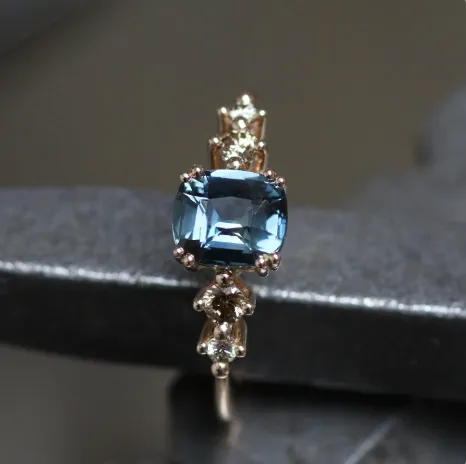
Use a clear phone photo. If you have multiple angles, you can upload them. It improves accuracy and keeps the jewelry crisp.
Note: the picture I used for this example was actually not that clear :p
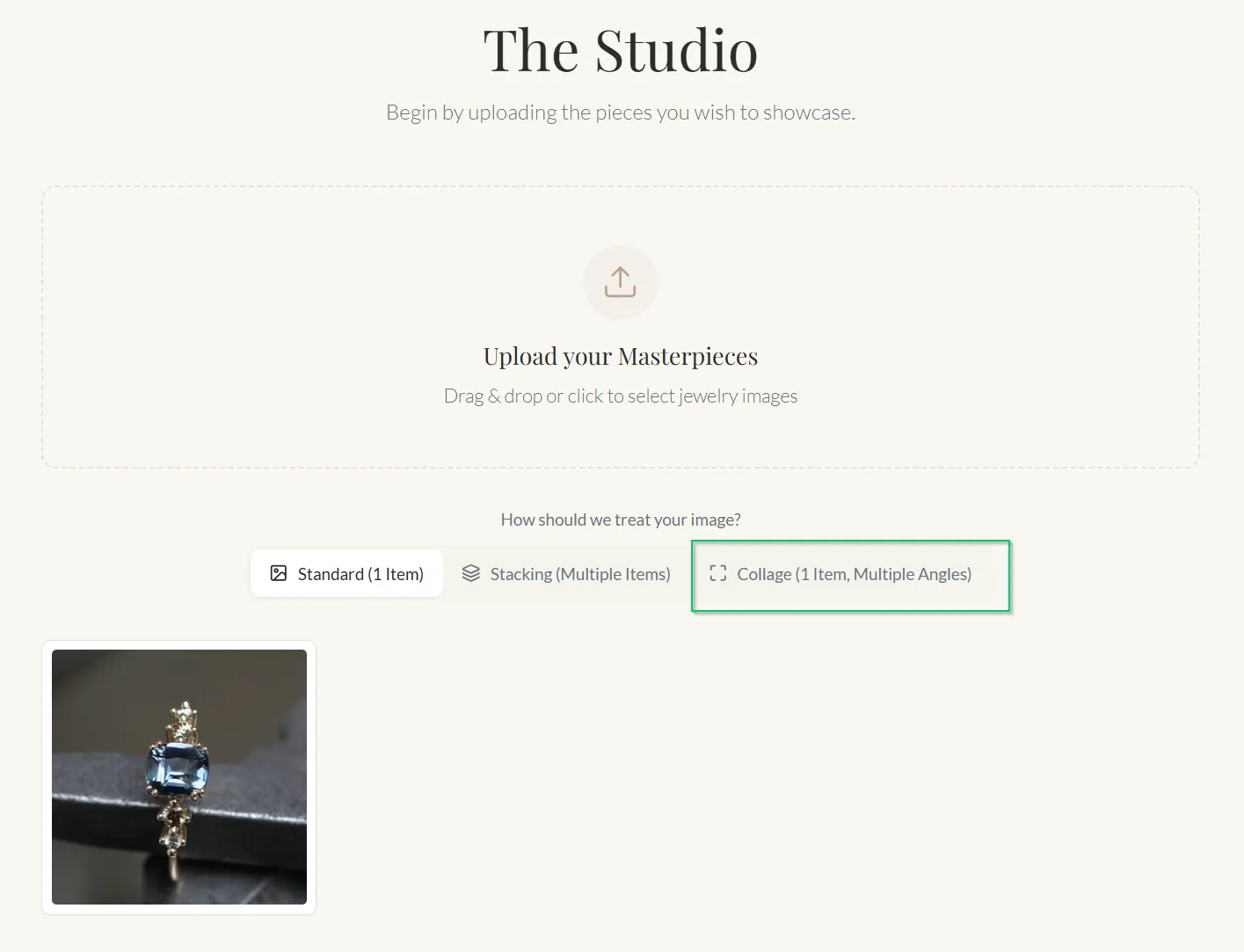
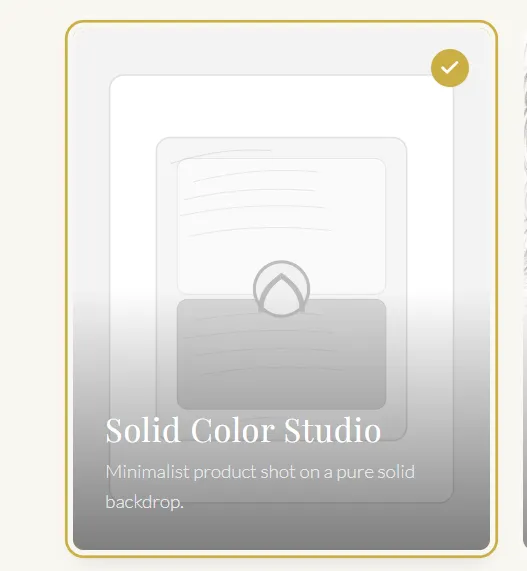
Step 2: Choose the Solid Color Studio template
This template is built for clean catalog-style product images on a solid background.
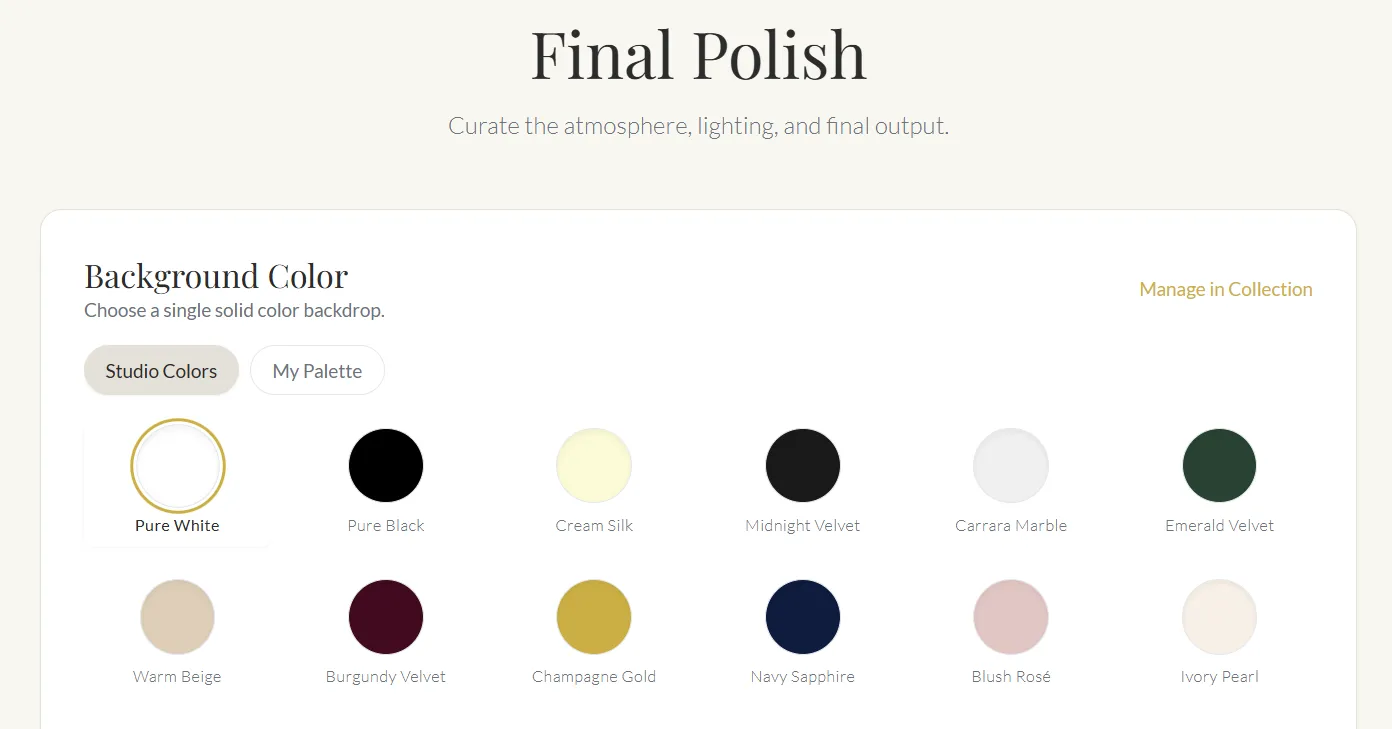
Step 3: Pick your background color
Choose a solid color that fits your brand. White is classic for ecommerce, but bold colors work well for ads. You can also use your own palette colors.
Step 4: Generate your images
Click Create and you will get a full set of ecommerce-ready outputs in seconds.
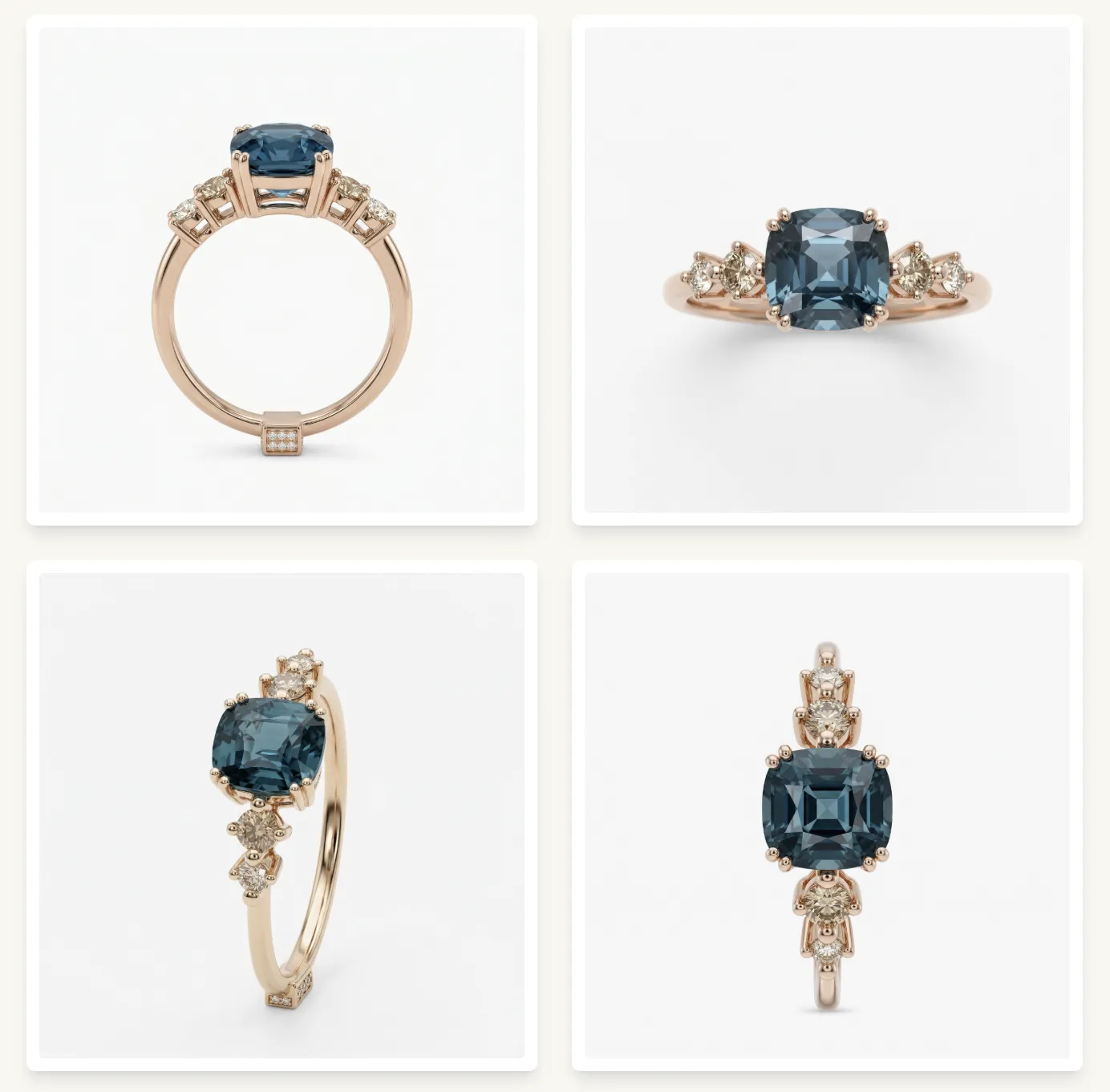
Step 5: Upscale when you need 4K
If you want print-ready or zoom-friendly detail, upscale one of the images to 4K.
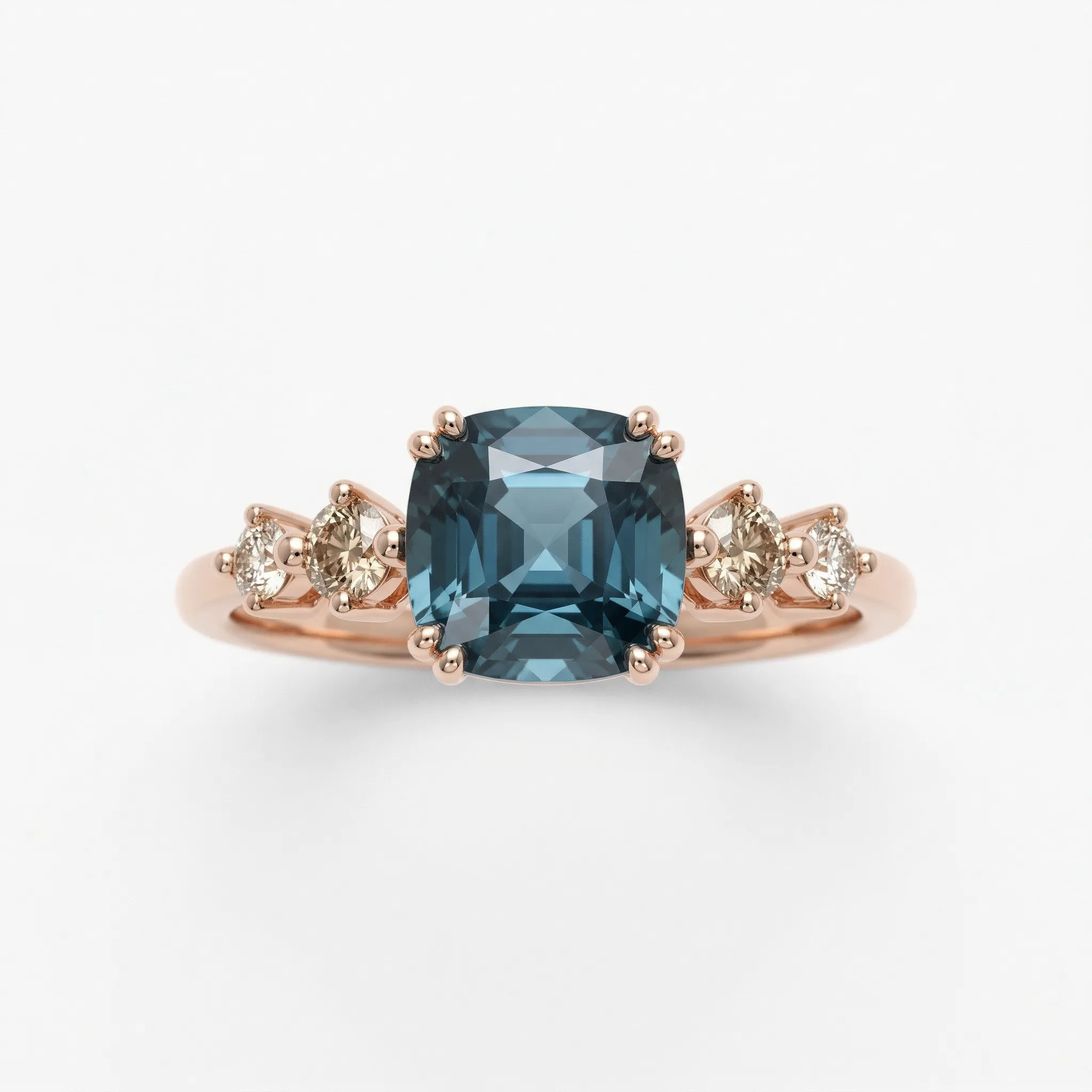
That is it. No physical studio, no lighting setup, no retouching marathon. Just clean product images you can publish immediately.